How Cadoo Practice Mode Works: The Practice Rep Before You Record
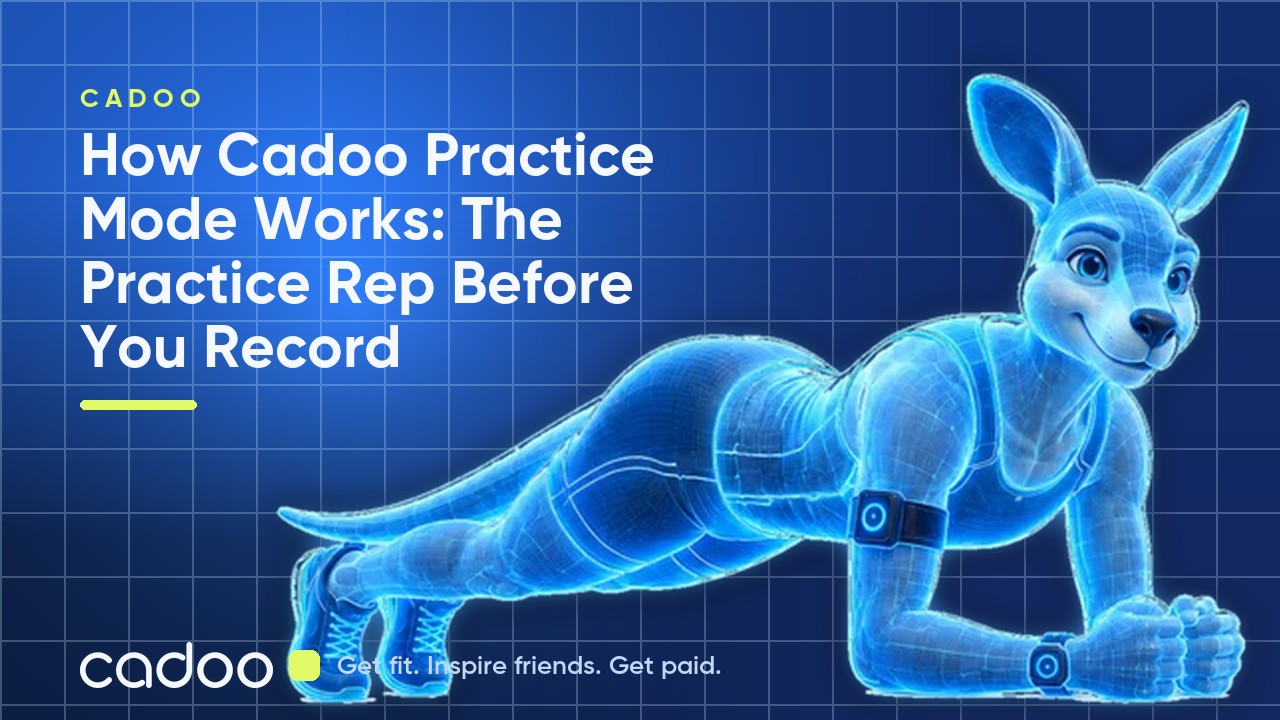
What is Cadoo Practice Mode?
Practice Mode is a form check that runs before you record pushups, squatups, or situps on Cadoo. You do one practice rep, CadooVision scores your form, and if you hit the 70% minimum you proceed to the real recording. Fail, and you get a specific tip and try again. It's a simple gate that makes sure you know the movement and your camera is set up correctly before you start racking up reps that might not count.
How Practice Mode works, step by step
1. Set up your phone
Prop your phone vertically on a flat surface in a well-lit area. Leave enough room so your full body fits inside the practice box shown on screen.
2. Get in the practice box
Step into frame and face sideways to the camera: left or right, either works. CadooVision needs a side view to track joint angles for form scoring. Two checks have to pass: side-facing and in the box.
3. Do one practice rep
Complete one slow, full rep inside the frame. The practice rep exists so CadooVision can confirm you're performing the movement correctly.
4. Pass the form check
You need a form score of 70% or higher to start recording. Pass, and recording begins automatically. Fail, and you see your actual score, a specific tip for what went wrong, and a Try Again button.
5. Record your reps
Once you pass the practice rep, recording starts. Form coaching continues throughout your session with periodic reminders to keep your technique sharp.
Why Practice Mode exists
Most rejected Cadoo submissions aren't about counting: they're about form. Users do reps that don't pass the form threshold because depth, lockout, or body position is off. Practice Mode catches that before you record a full video. You confirm you can do the movement, you start every session with good form in mind, and you don't waste time on reps that won't credit.
Does the practice rep count toward my game?
No. The practice rep score is purely a gate. It is not counted toward your game total. Once you pass, your real reps count, with full form scoring applied per rep.
Frequently asked questions about Practice Mode
What's the minimum form score to pass the practice rep?
70%. Any rep scored below 70% does not count as a passing practice rep, and any rep below 40% during recording doesn't credit toward your total.
What if I fail my practice rep?
You see your form score, an activity-specific tip (e.g., "chest to the floor, lock out fully"), and a Try Again button. You can retry as many times as needed.
Which activities use Practice Mode?
Practice Mode applies to pushups, squatups, and situps: the three activities scored by CadooVision. Tracker-based activities (run, walk, bike, swim, steps, sleep) don't use Practice Mode because they're measured by your fitness tracker, not the phone camera.
Do I have to face sideways?
Yes. CadooVision tracks joint angles from a side view. Left-facing or right-facing both work, just not front-facing.
Ready to try Practice Mode?
Download Cadoo on the App Store or Google Play, join a pushup, squatup, or situp game, and hit Record. Your first practice rep is waiting. For more on how form is graded, read How CadooVision Form Scoring Works.